Introducing our latest enhancement on POS module, which will improve your system experience and usability.
Hide the Reporting section in the POS
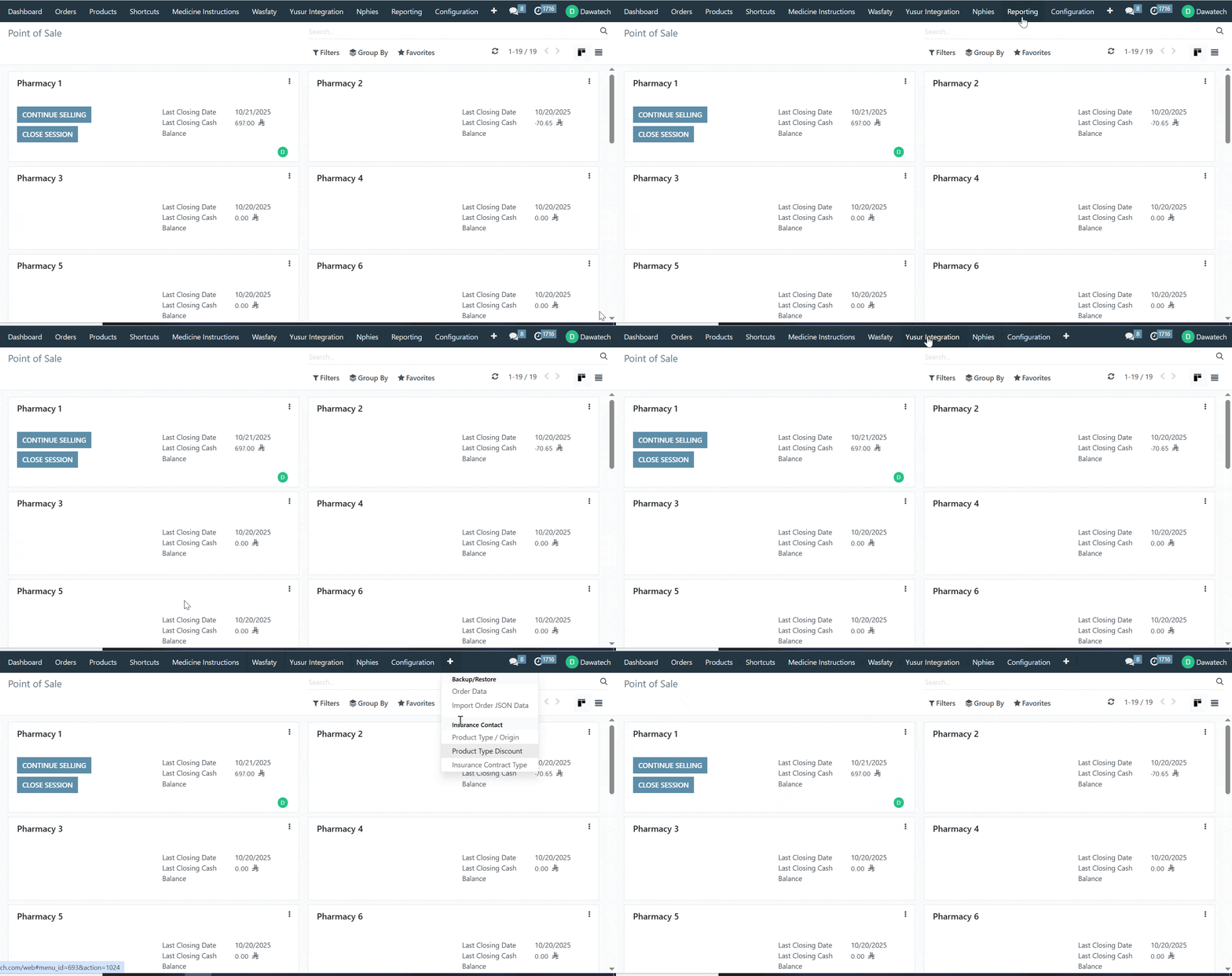
We’re excited to introduce the enhanced “Hide POS Report” to help you achieve better control and transparency in your reporting!
⚙️ Functionality

A new enhancement has been introduced in the POS module to give store owners greater control over the visibility of the Reporting section for pharmacy account

      . Owners can now decide which team members can view POS report .
         .  This update supports tailored visibility based on team roles and responsibilities .
         .  It ensures that sensitive sales and performance data remain visible only to the intended staff .
✨ Value

    .   Security: Keep financial and performance information private and protect .
    .  Control: Empower store owners to manage what their team can view within the POS .
    . Role Clarity: EEnsure each team member focuses on the data relevant to their work .
    .  Flexibility: Adjust visibility settings easily to fit different pharmacy workflows .
Stay informed and in control with the new and improved Hide the Reporting section in the POS
Was this article helpful?
That’s Great!
Thank you for your feedback
Sorry! We couldn't be helpful
Thank you for your feedback
Feedback sent
We appreciate your effort and will try to fix the article